Platform, Integrations & AI
Platform, Integrations & AI
Your fields stay. The desk, the assistant and the connections around them.
The problem
A municipality's forms, roles and neighbouring systems are its own. An upgrade should leave that work in place.
The workflow
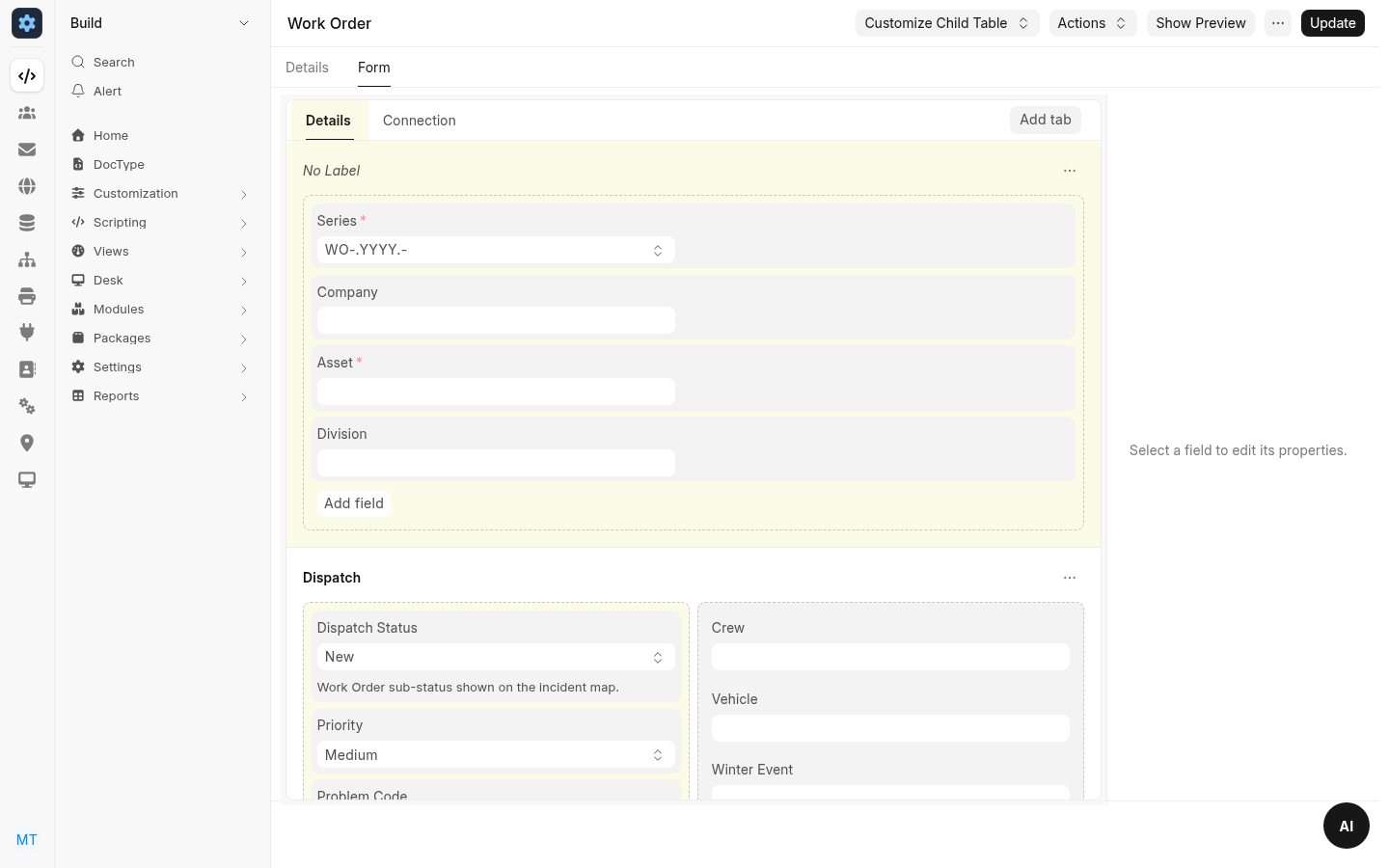
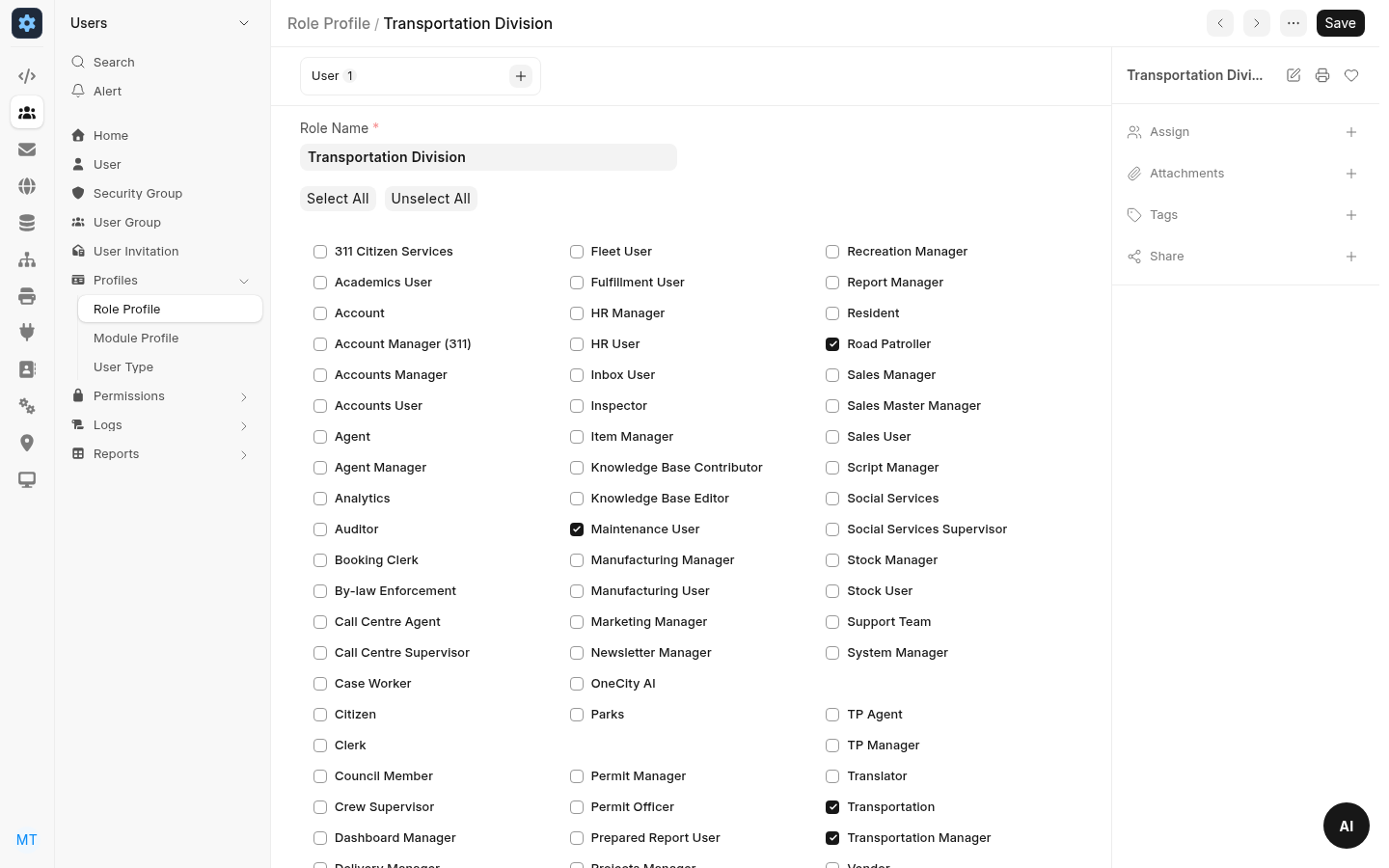
Staff add fields, hide or require them, and create record types, workflows, print formats and reports in the browser. Those changes live in the municipality's database. An upgrade writes the records that belong to OneCity. Each division has a role profile. User permissions on the division limit work orders and service requests to that division.
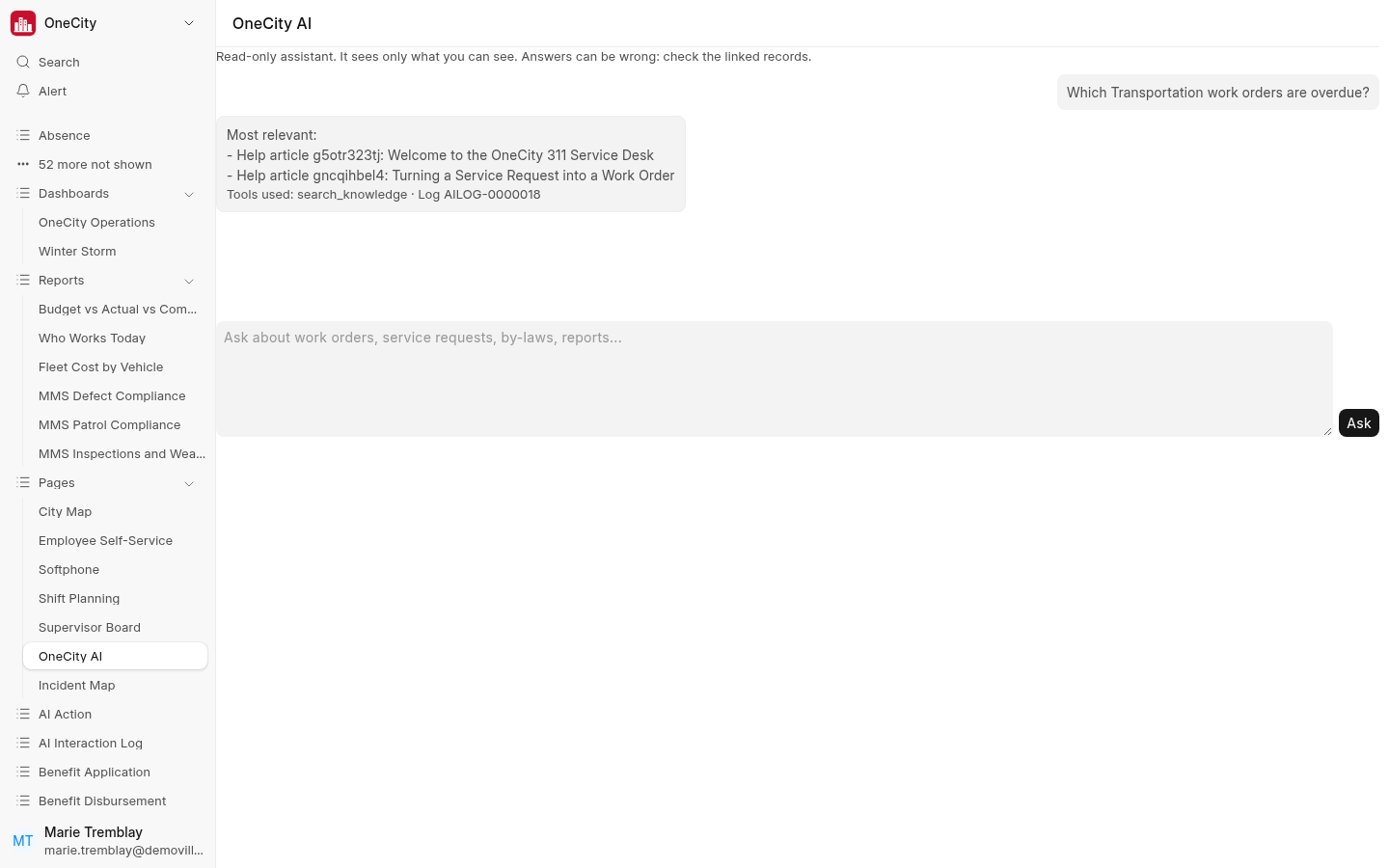
OneCity AI answers in the language of the question, as the signed-in person. It searches the records that person may see, runs the built-in reports, and searches the by-law register and help articles. A person confirms a draft before it is created. A live model is in scope only in Canada, and only after the residency acknowledgement in settings is confirmed.
On screen
Capabilities
Configuration
Your fields stay.
Fields, workflows, print formats and reports are configured per municipality, in the browser.
Roles
The division, and who sees it.
A role profile grants the day-to-day roles. The social insurance number on the employee record is visible to HR managers.
Assistant
Help that never sleeps.
The assistant uses the same permissions as the screen. When drafting is allowed, it can propose a work order, an internal note, a material request or a council agenda item. A person confirms it.
Integrations & API
These connections are supported.
Jira
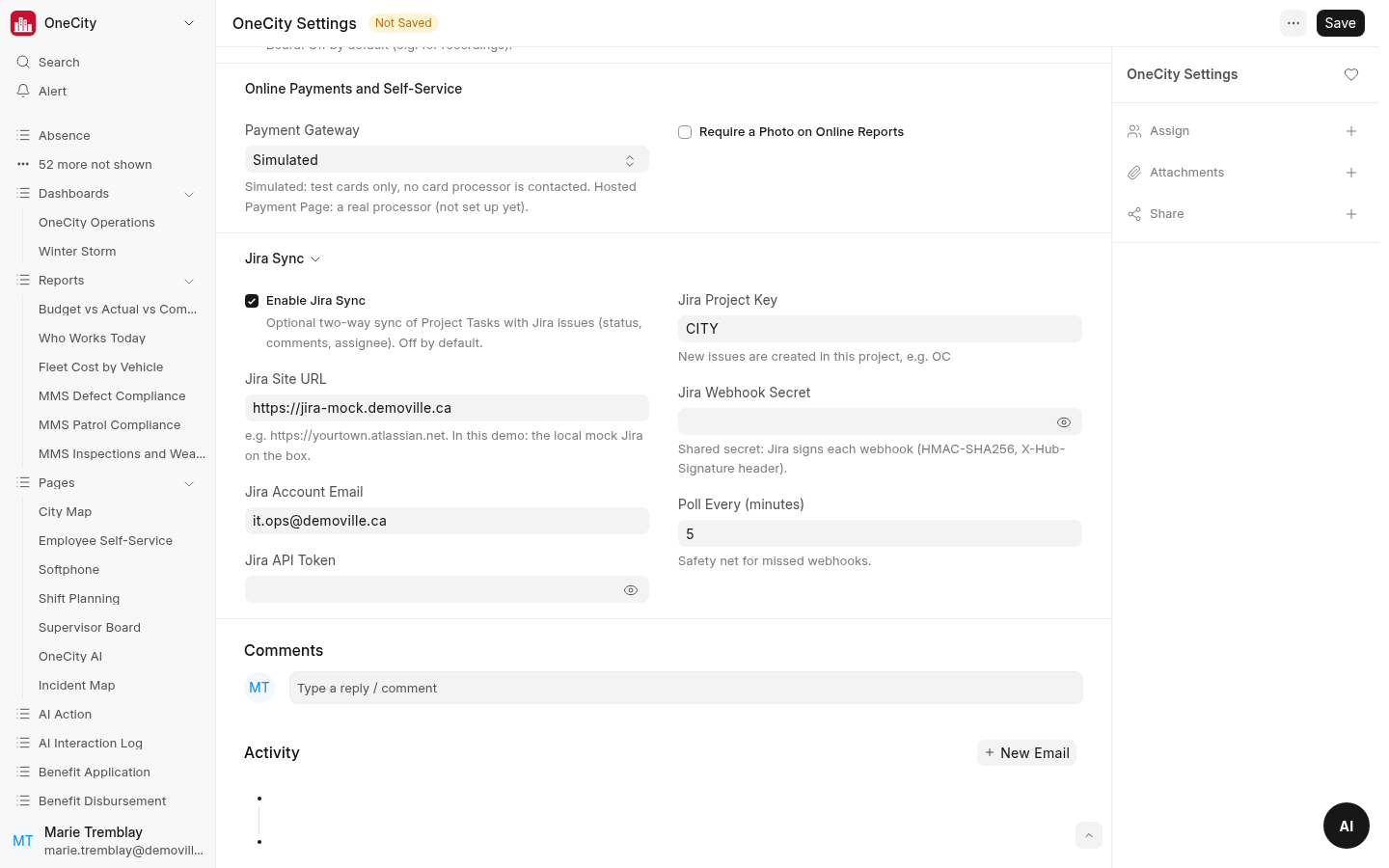
For a project task marked to sync, OneCity creates a Jira issue and keeps status, assignee and comments aligned in both directions. A signed webhook and a scheduled poll catch an update one side missed. If both sides changed, the task shows both values and a person chooses. A Jira error never blocks saving the task.
CPA-005 EFT
Canadian bank payments use the CPA-005 EFT format.
Payment processor sandbox
Bill payments can run through a payment processor sandbox. An approved payment posts a payment entry against the bill. Payment screens store a card brand and the last four digits.
Email notices follow the workflows a municipality configures.
REST API
A configurable REST API connects OneCity with the municipality's other systems.